
Ever stared at CapCut at midnight, seventeen cuts into a video that was supposed to take twenty minutes? Yeah. Me too.
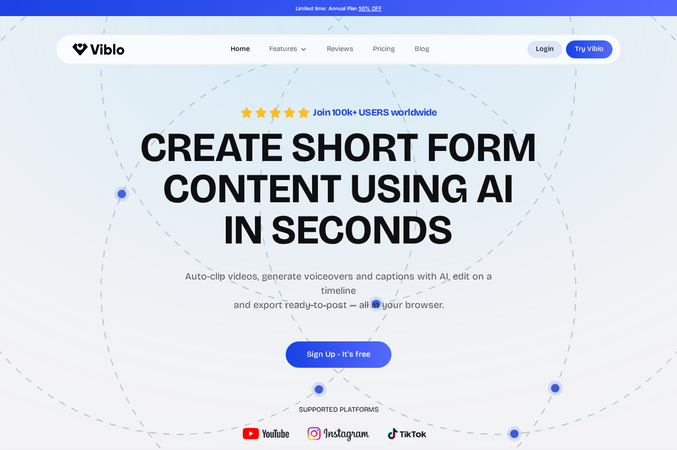
That’s exactly the problem Viblo AI says it solves. In plain terms: Viblo AI is a browser-based AI video generator for short-form content — it auto-clips footage, writes and enhances scripts, generates AI voiceovers and captions, and exports ready-to-post vertical videos for TikTok, Instagram Reels, YouTube Shorts, and Facebook. No downloads, no editing experience required.
I spent time going through the platform’s workflows, pricing fine print, and — just as importantly — what real users say when things go wrong. Short version? For faceless content creators, it’s one of the more affordable all-in-one options on the market at $25/month. But there are trade-offs you should know about before you hand over a card number.
Viblo AI at a Glance
| What it is | Browser-based AI short-form video editor and generator |
| Best for | Faceless YouTube Shorts, TikTok, and Reels creators; solo founders; affiliate marketers |
| Starting price | $25/month (Starter), with a 7-day free start and no-credit-card signup |
| Standout feature | Script-to-video pipeline with AI voiceovers, auto-clipping, and split-screen layouts |
| Watch out for | No real-time trend tracking, and some users report clunky cancellations |
| Bottom line | 4.2/5 — strong value for volume faceless content, less ideal for trend-chasing virality |
What Is Viblo AI?
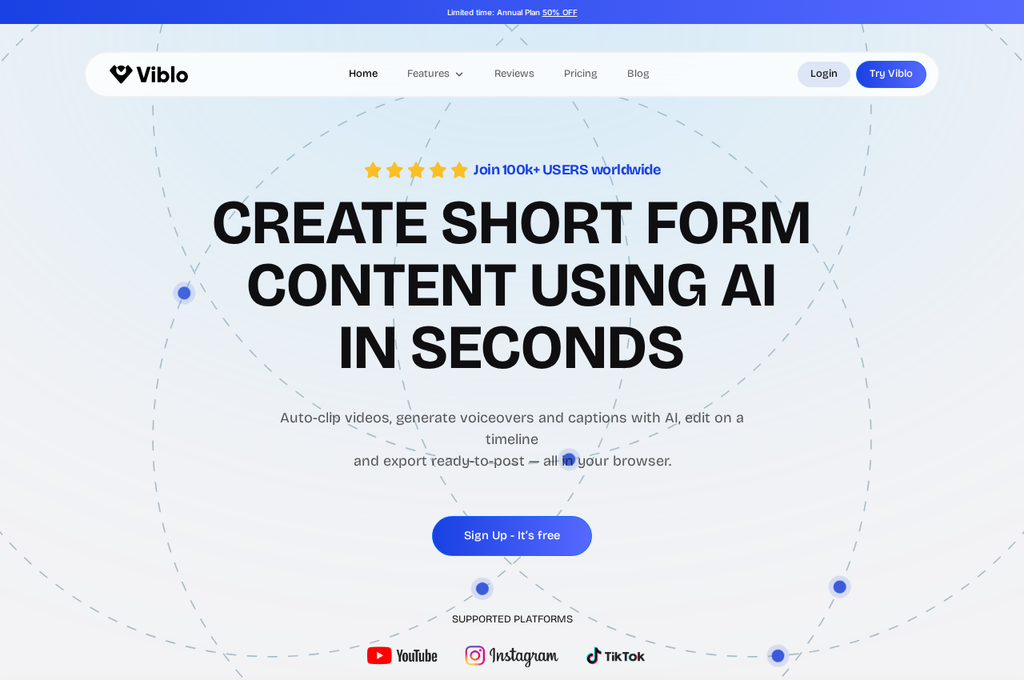
Viblo AI pitches itself in five words: “Create short form content using AI in seconds.” Strip away the marketing and here’s what you actually get — a web app where you type an idea (or paste a script, or drop in a long video), and the AI handles narration, captions, pacing, and layout. You edit on a timeline, then export. That’s the whole loop.
And it’s popular, too. Viblo’s own site claims 100K+ videos generated and 12K+ active creators, plus a “340% faster content production” stat. Those numbers are self-reported, so treat them as marketing rather than gospel — but a tool nobody uses doesn’t rack up 12K “active creators” either.
Three things stood out when I dug into the platform’s own descriptions:
- It supports three content modes — script-based, voiceover-driven, and fully AI-generated video. So whether you’re a writer who wants visuals attached to your words, or someone who wants the AI to do everything from idea to export, the door’s open.
- It’s aimed at everyone, explicitly. The FAQ says beginners and pros alike, because “AI automates everything.”
- You keep your videos. Viblo’s FAQ states every video you create is “entirely yours,” with full rights to use and distribute — even if you cancel, videos made while subscribed remain yours forever.
That last point matters more than most people realize. Some AI video tools quietly watermark or restrict commercial use on lower tiers.
Key Features of Viblo AI
Viblo groups its toolkit into three buckets: content creation, editing speed and workflow automation, and AI voice/text intelligence. Let’s walk through what that means in practice.
AI Video Generator and AI Image Generator
Type a topic, get a video. The AI video generator builds narrated, captioned shorts from a prompt — the engine handles structure, visuals, and pacing. There’s a separate AI image generator for custom visuals when stock footage doesn’t cut it. If you want to go deeper on AI visuals for your b-roll, our Fiddl.art review covers an AI image and video generator that pairs nicely with a tool like this.
Auto Clipping and Auto Highlights
This is the repurposing play. Feed Viblo a longer video — a podcast, a stream, a webinar — and its AI video clipping tool finds the highlight moments and cuts them into standalone shorts automatically. If you publish long-form content and keep failing to feed the Shorts machine, this feature alone can pay for the subscription.
AI Voiceovers and Captions
Viblo’s AI voiceover generator offers 35+ AI voices with natural, human-like delivery — no microphone, no retakes, no cringe listening to your own voice. Captions are generated and burned in automatically, styled for platforms where 80% of viewers watch muted. I mean, you already knew that. You’re probably one of them.
Split-Screen Layouts and Timeline Editing
Not every viral video is one clip. Ranking videos, react compilations, “X vs Y” formats — Viblo ships built-in split-screen layouts for exactly these, and a project editor with timeline control for everything else. It’s the layer that stops the output feeling like every other auto-generated slideshow.
Video Ranking Insights
Here’s the feature I find genuinely interesting: Viblo includes video ranking insights to show which formats and content types perform best. It’s not a full analytics suite — our Rankera AI review covers AI-search visibility in more depth if that’s your angle — but for a creation tool to close the feedback loop between “what I posted” and “what worked” is rare at this price.
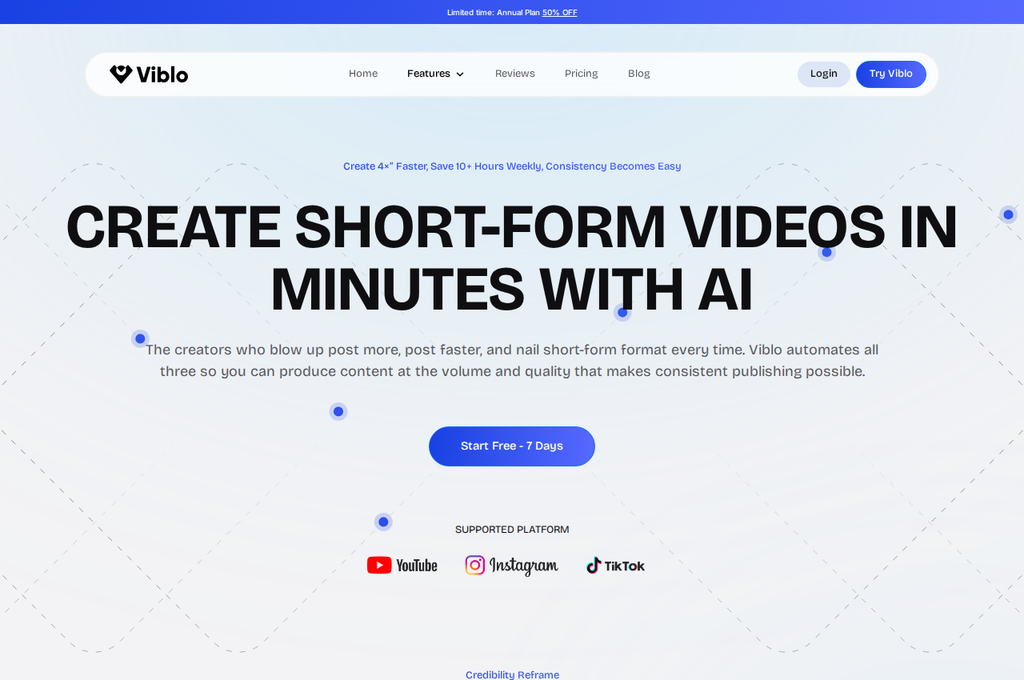
The standard workflow runs three steps: enter your idea, let the AI generate narration, captions, pacing and structure, then edit and export in minutes with auto-cut highlights and one-click formatting. Viblo lists dedicated workflows for story, commentary, ranking, and split-screen content — which, not coincidentally, maps to four of the highest-performing faceless formats on Shorts right now.
The AI YouTube Shorts Generator: Faceless Content in Minutes
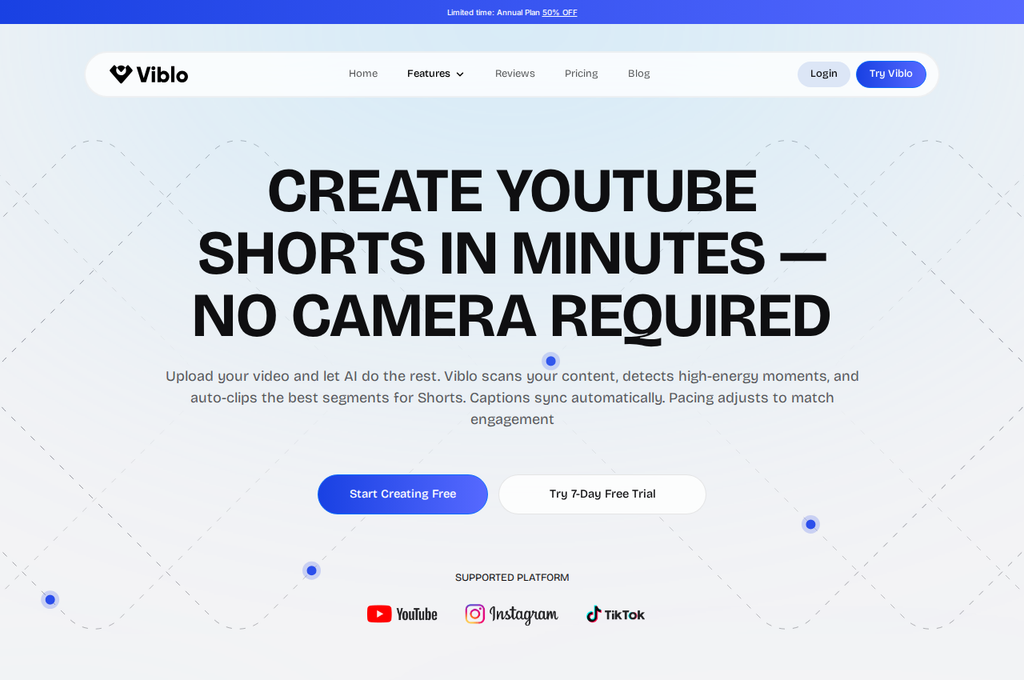
The AI YouTube Shorts generator is the use case Viblo pushes hardest, and honestly, it’s the one to judge it by. The pitch: Viblo generates voiceovers, visuals, and captions with AI “so you can create professional videos without recording yourself.”
Does it work? Based on the documented workflow and third-party breakdowns, yes — with caveats. The tool excels at script generation and long-form faceless narration. A Clippie AI comparison puts it well: Viblo “excels in deep customization and long-form storytelling,” making it ideal for YouTube creators focused on cinematic visuals and brand building. The same review notes Viblo supports dark cartoon and story-driven content styles that one-click clippers won’t touch.
Where it’s weaker: trend-reactive content. Clippie integrates real-time TikTok trend tracking — current hashtags, viral sounds, engagement data — and Viblo has no native equivalent. If your strategy is jumping on sounds within 48 hours, you’ll feel that gap. If your strategy is evergreen story and commentary channels, you won’t care.
Viblo AI Pricing: Starter, Creator, and Business Plans
Straight to the numbers (verified on Viblo’s pricing page, October 2026):
| Plan | Monthly | Annual | Short videos/month | Credits |
|---|---|---|---|---|
| Starter | $25/mo | $150/yr | 30 | 200 |
| Creator (Most Popular) | $49/mo | $294/yr | 90 | 500 |
| Business | $99/mo | $594/yr | 200 | 1,200 |
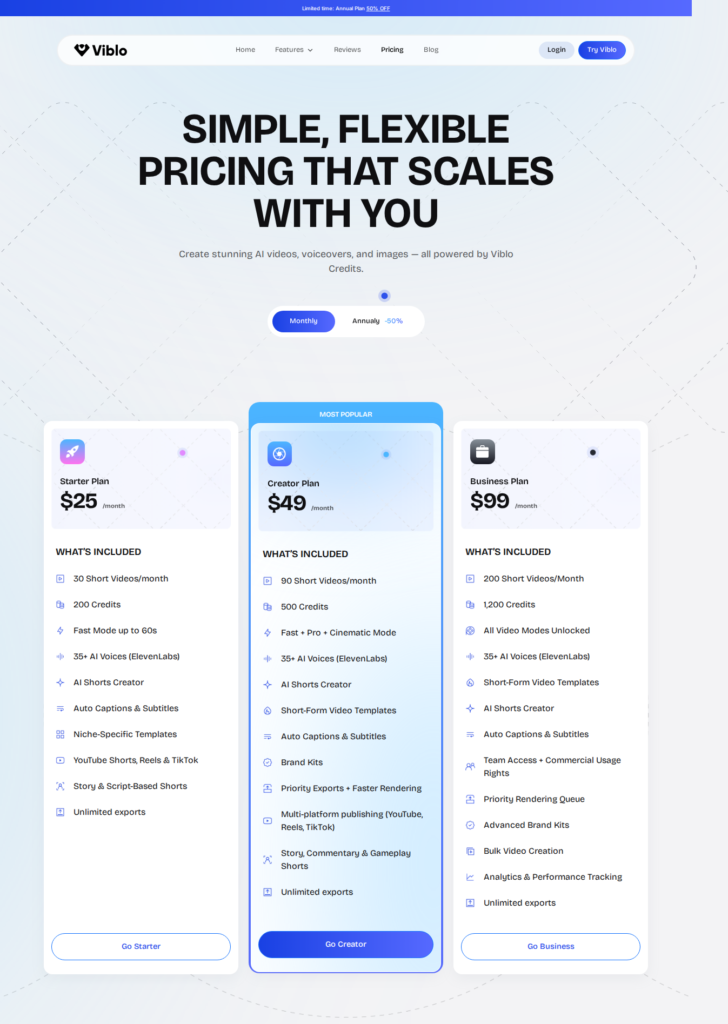
Three pricing notes worth your attention:
- Annual billing is exactly 50% off right now ($150 vs $300, $294 vs $588, $594 vs $1,188) — advertised as a limited-time promotion, though it’s been live a while.
- There’s a 7-day free start with free signup and no credit card required, so you can test the core script-based editing flow before paying anything.
- Credits and video allowances are separate systems. Plans include both a monthly video count and a credit pool for AI images, voice generation, and extras. If you’re heavy on AI-generated visuals, you’ll burn credits faster than the calendar.
Is that cheap? For context: hiring a freelance editor for one short video typically runs $20–50. Viblo’s Starter plan does 30. The value case is strong — if you publish at volume. If you post twice a month, you’re paying for capacity you won’t use, and a manual editor makes more sense.
Pros and Cons
Pros
- Genuinely all-in-one: scripts, voiceovers, captions, clipping, and editing in one browser tab
- Aggressive pricing with a real 7-day free start and no-credit-card signup
- 35+ natural-sounding AI voices and automatic platform-optimized formatting
- Full commercial ownership of your videos, even after canceling
- Story, commentary, ranking, and split-screen workflows built in
- Auto-clipping turns one long video into multiple shorts
Cons
- No real-time trend/sound tracking for TikTok virality plays
- Cancel-anytime is the official policy, but user reports on the process are mixed (more below)
- Credit system adds a second meter to watch alongside your video allowance
- Self-service support on lower tiers; priority support is reserved for higher plans
- Browser-only — no offline or mobile editing
How to Use Viblo AI in 5 Steps
- Sign up free at viblo.ai — no credit card needed for the 7-day trial.
- Pick your format: story, commentary, ranking, or split-screen — or paste a long video to clip.
- Feed it your idea or script. Use the AI Ideation Generator and Script Enhancer if you’re starting from a blank page.
- Choose a voice and let the AI build. Narration, captions, pacing, and layout generate automatically.
- Polish on the timeline and export. One click formats it for TikTok, Reels, Shorts, or Facebook.
Total time for your first video: realistically 10–15 minutes while you learn the interface. After that, Viblo claims most users go idea-to-final-cut in minutes. Sounds optimistic until you remember the AI isn’t rendering your neighbor’s wedding footage. It’s assembling from assets it already understands.
Who Should (and Shouldn’t) Use Viblo AI
You’ll love it if you’re:
- Running faceless YouTube Shorts, TikTok, or Reels channels — especially story, commentary, or ranking formats
- A solo founder or affiliate marketer who needs product explainers without hiring editors
- A long-form creator who wants auto-clipped highlights without learning Premiere
- Someone with ideas but zero editing skill, budget, or patience
Skip it if you:
- Chase TikTok trends and need sound/hashtag data baked in (look at Clippie instead)
- Need pixel-level control that only a manual NLE gives you
- Post less than a few times a month — the math won’t work
Viblo AI vs the Alternatives
Viblo’s top competitors, per SimilarWeb, include reelmind.ai, Wondershare Virbo, rask.ai, and klap.app — but the comparisons creators actually debate are these three:
| Tool | Starting price | Sweet spot | Key difference vs Viblo |
|---|---|---|---|
| Viblo AI | $25/mo | Story/commentary faceless channels | Script-to-video + clipping + timeline in one |
| Clippie AI | ~$19/mo | Trend-chasing TikTok clips | Real-time trend tracking, one-click virality formatting |
| KreadoAI | Free tier | Avatar and multilingual ads | 140+ language dubbing, avatar creation |
| Korpi AI | $16.99/mo | Niche-specific formats | 150 prebuilt niche templates (e.g., Reddit Story, Roblox Rant) |
The honest take from the Korpi vs Viblo comparison (updated October 8, 2026): Viblo “combines short-form creation with clipping and timeline editing” while Korpi wins on dedicated niche templates. Neither tool is free past trial, and — their words — “neither tool guarantees views or revenue.” Refreshing honesty from a competitor, that.
If you want to compare against a different category entirely, our Vailo AI review covers a multi-model video generator that takes a very different approach to AI video. And for planning the stories behind your scripts before you generate anything, Story Prism is an AI story-planning tool that plugs neatly into this workflow.
Real User Reviews: The Good and the Ugly
No Viblo AI review is complete without this part — and most skip it.
On Trustpilot, the verified feedback is warm. One reviewer writes: “The website itself is really easy to use and has a extremely good interface. Definitely my go to when it comes to video making. Customer service is top notch.” That’s the pattern — ease of use, interface, output quality.
But over on Reddit’s r/PromptEngineering, one user tells a different story: they claim they couldn’t cancel, kept getting charged $25/month, and that email support went unanswered. Ouch.
So who’s right? Probably both, depending on how you subscribe. Viblo’s official FAQ states you can cancel anytime and keep access until the end of your billing cycle. My advice after seeing both sides: pay monthly for your first two months, set a calendar reminder three days before renewal, and screenshot the cancellation flow when you sign up. If a $25 charge stings more than the tool earns, you’ll want a clean exit — and you’ll have one, as long as you handle it before the renewal date, not after.
Viblo AI Video Reviews Worth Watching
Prefer to see it in action before trusting a writer? These walk through the actual interface:
- Viblo AI Review: Is It Really Worth Using? (2026) — full evaluation of whether the tool justifies its price
- Viblo AI Tutorial: Make Faceless YouTube Shorts In Minutes — step-by-step build of story videos, commentary voiceovers, and ranking videos
- Viblo AI Review: I Tested It Before You Waste $49 — a skeptic’s hands-on test of the video generator and features
Viblo AI FAQ
Is there a Viblo AI free trial? Yes. Viblo offers a 7-day free start on script-based editing, with free signup and no credit card required. After that, paid plans begin at $25/month.
How much does Viblo AI cost? Starter is $25/month (30 videos, 200 credits), Creator is $49/month (90 videos, 500 credits), and Business is $99/month (200 videos, 1,200 credits). Annual billing cuts every price by 50%.
Can Viblo AI make faceless videos? Yes — that’s its core use case. Viblo generates voiceovers, visuals, and captions with AI, so you never need to record yourself. Script-based, voiceover-driven, and fully AI-generated formats are all supported.
Who owns the videos I create with Viblo AI? You do. Viblo’s FAQ states every video you create is entirely yours, with full rights to use and distribute — and videos made during your subscription remain yours even if you cancel.
Can I cancel my Viblo AI subscription anytime? Per Viblo’s official policy, yes — you keep access until the end of your billing cycle. However, some users have reported cancellation difficulties, so cancel well before your renewal date and keep confirmation screenshots.
Which platforms does Viblo AI optimize for? TikTok, Instagram Reels, YouTube Shorts, and Facebook. Videos are auto-formatted and optimized for each platform’s short-form specs.
Is Viblo AI good for beginners? Yes. It’s built for users with no editing experience — you enter an idea, and the AI handles scripting, voiceover, editing, and formatting.
Final Verdict: Is Viblo AI Worth It?
Here’s where I land after all of it.
Viblo AI is worth $25/month if faceless short-form video is a volume game for you. The combination of script generation, 35+ AI voices, auto-clipping, split-screen layouts, and full content ownership at Starter-tier pricing is genuinely hard to beat — most rivals either charge more, do less, or both. The storytelling depth keeps it a step above one-click clippers for anyone building a brand rather than chasing sounds.
It’s not perfect. No trend intelligence, a credit meter to babysit, and cancellation reports that deserve your caution. But a 7-day free start with no credit card means the risk of finding out is basically zero.
Try the free week. Make three videos. If the output makes it to your feed without embarrassment, the math takes care of itself.